From floor plan to live bookings in 30 days
The clock starts when we have your floor plan, photos and menu. We build the room, the website and the booking, switch you over, and the monthly fee starts only when you are live.
Six steps. Thirty days.
Restaurant booking system setup, from the walkthrough to live. Each step says what happens, what you do, what we do and how long it takes.
- 01
A thirty-minute walkthrough
We get on a call and open a working dining room and its back office on screen. You watch a guest pick a table and the booking land in the book. Then we talk through your room.
- You
- Pick a time. If you can, send a photo of your dining room.
- We
- Show the booking and the back office live, then talk through your room.
- Takes
- 30 minutes, on a call.
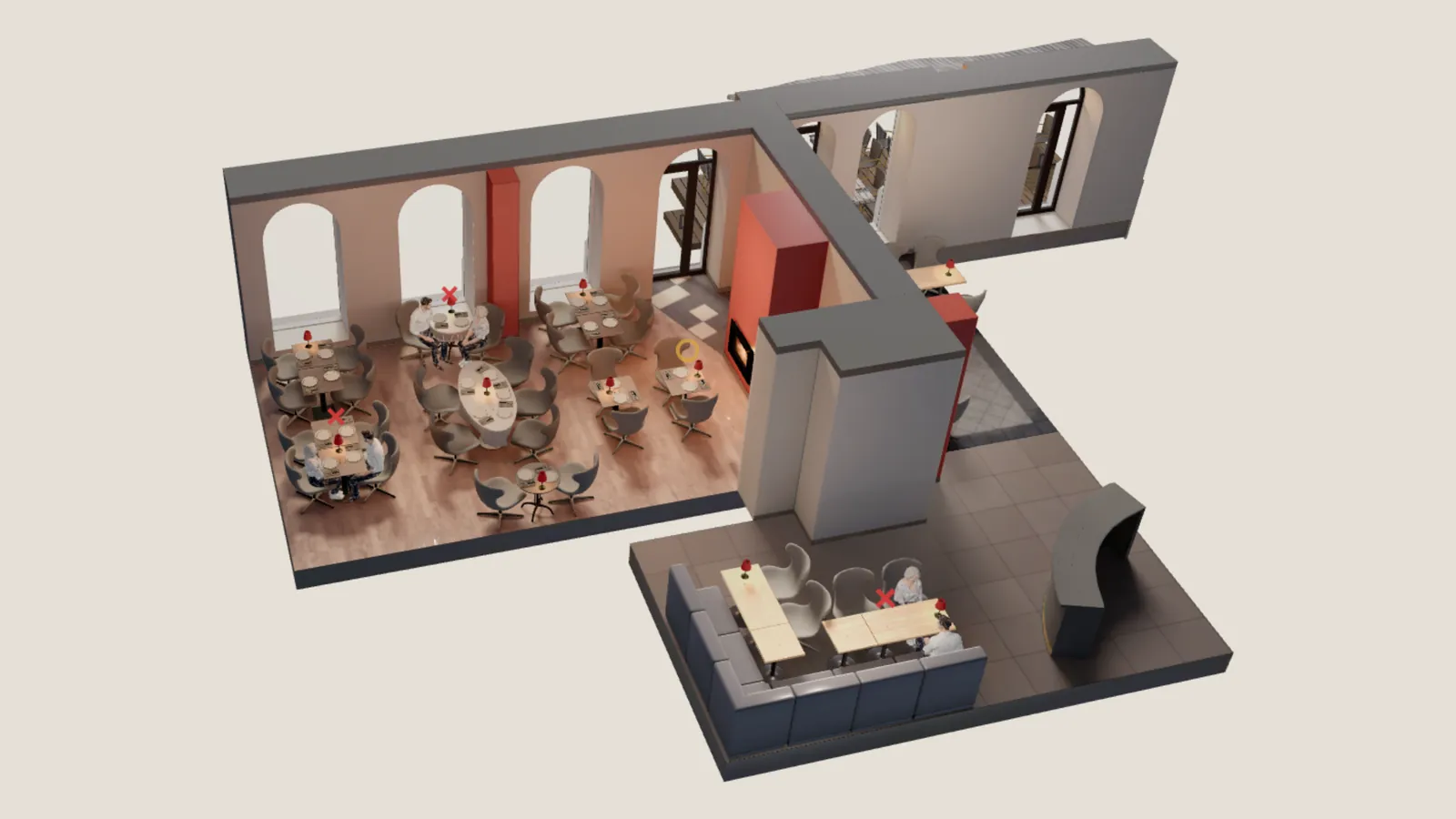
The walkthrough: a working room on screen. - 02
Your plan and your price
You pick a plan, or ask us which one fits your room. We write the price down: one setup payment when we start, and a monthly fee that begins only when you are live. Nothing is added per cover and there is no commission.
- You
- Choose a plan, or ask us which one fits your room.
- We
- Write down the price, with nothing added per cover and no commission.
Essentials£2,450to set up, from£165 a monthfrom, once you are liveThe room as a rendered image.Signature£3,900to set up, from£249 a monthfrom, once you are liveThe room as a full 3D model.Custom is priced from your floor plan and photos. Every price and term is on the pricing page.
- 03
Send us your room
Send your floor plan, photos of the room and the food, and your menu, in whatever form you have them. A phone photo of a sketch is enough. The 30 days start when we have all three.
- You
- Send the floor plan, the photos and the menu.
- We
- Check them and ask for anything that is missing.
- 04
We build it
We model your room table by table. Around it we build your website and set the booking up inside it, in your colours.
- The room, modelled table by table
- Up to six pages on your own domain
- The booking and the back office, set up inside them
- You
- Answer our questions if we have any.
- We
- Model the room, build the pages and set the booking up.
- Takes
- Within the 30 days. Days spent waiting on you are not counted.
Essentials shows the room as a rendered image. Signature gives guests a full 3D model to book in, and we write the copy and tidy your Google profile.
- 05
We switch you over
You stay on your current tool until the night we switch, so no evening is lost. Guests book on your own site from the next morning.
- You
- Tell us the date your current contract ends.
- We
- Plan the switch for the week after, on a quiet night.
On Signature, every booking already made comes across with its table, and every guest with their visits, so nobody has to book again. Keep any listing you like: the bookings run on your own site, so the guest and their details are yours from day one.
- 06
You are live, and we run it
From the day you are live the monthly fee starts and we look after everything: hosting, upkeep and changes. The menu and photos you can change yourself, from the same panel as the book.
- A new dish, new hours or a new page within two working days
- Hosting and the booking system on servers in the EU
- A named person to call during service
- You
- Run the night. Change the menu and photos when you like.
- We
- Hosting, upkeep, updates and the booking system.
- Takes
- Priority requests answered within 72 hours.
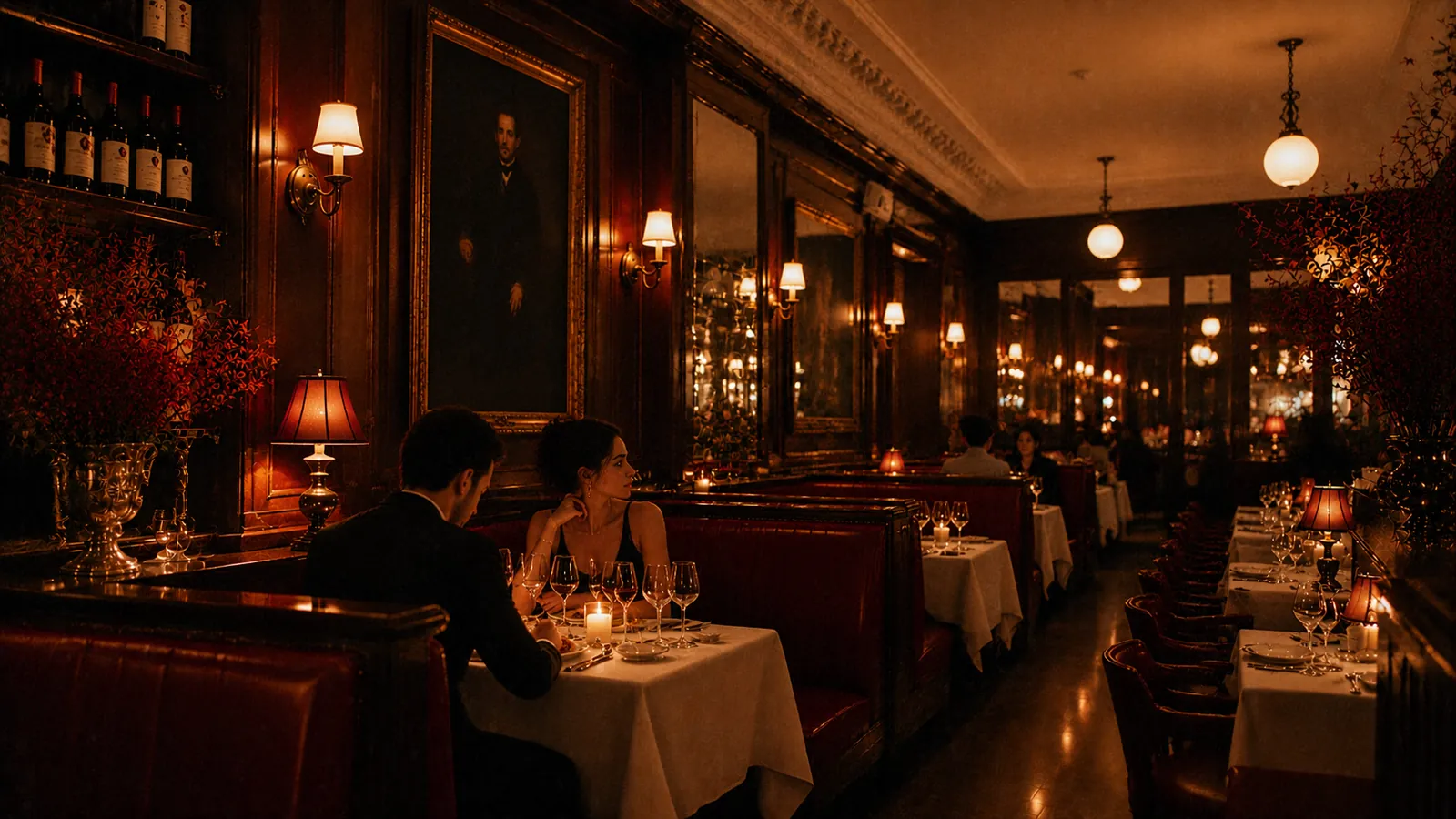
A table booked for tonight.
What we need from you
Four things. None of them has to be tidy. Send what you have and we ask for the rest.
- 01
Your floor plan
A PDF, or a phone photo of a sketch.
- 02
Photos
Of the room and of the food.
- 03
Your menu
As it is today.
- 04
A date
When your current booking contract ends, if you have one.
What you pay, and when
- Essentials setup, from
- £2,450Then from £165 a month once you are live.
- Signature setup, from
- £3,900Then from £249 a month once you are live.
- To go live
- 30 daysNot live by then? No monthly fee until you are.
- Commission
- 0%On every booking, and no fee per cover.
Questions about setting up
The short answers. More are on the full FAQ.
How long does it take to go live?
Thirty days, counted from the day we hold your floor plan, photos and menu. If the site is not live by then, the monthly fee does not start until it is. The 30 days count our time. Days spent waiting for your photos, menu, answers or sign-off are not counted. See the terms
What if our current booking contract runs for another year?
Stay on it. Send us the end date and we plan the switch for the week after. Until then your guests keep booking on your current tool, and we build the new site in the meantime. Read the setup questions
What counts as a floor plan?
Anything that shows where the tables are and how many seat each: a PDF, a phone photo of a hand-drawn sketch, last season's layout. For the photos and the menu it is the same: send what you have, and we ask for anything missing. Send your floor plan
Will our current bookings and guest list move across?
On Signature they do: every booking already made comes across with its table, and every guest with their visits. Moving them is not part of Essentials, so tell us on the walkthrough what you hold and we will say what is possible. Compare Essentials and Signature
What do we pay before we are live?
The setup fee for your plan: from £2,450 for Essentials or from £3,900 for Signature, excluding VAT. The monthly fee starts when you are live. The setup fee is one payment, due when we start. See every price
Start with a walkthrough.
Thirty minutes on a call: we show a working dining room live and talk through yours. No card, no commitment, and a reply from Tablestial within one working day.